IPTV Login Problems: Common Causes and Solutions
poetraghib@gmail.com
November 12, 2026
IPTV fixing
IPTV services make it easy to watch live TV channels, movies, and series on different devices. However, sometimes users face login difficulties when trying to access their subscriptions. These problems can be frustrating, especially when someone wants to watch their favorite content.
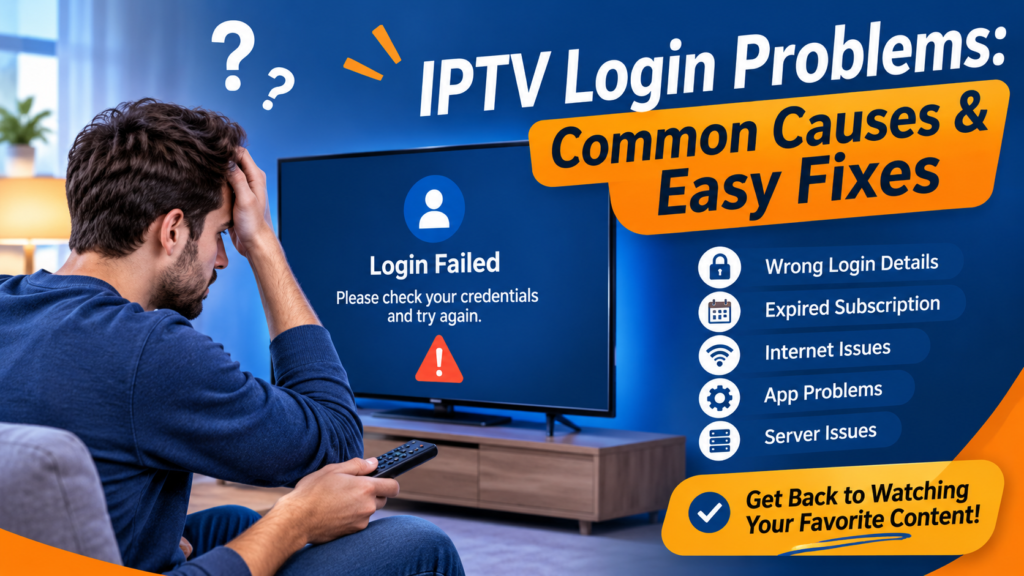
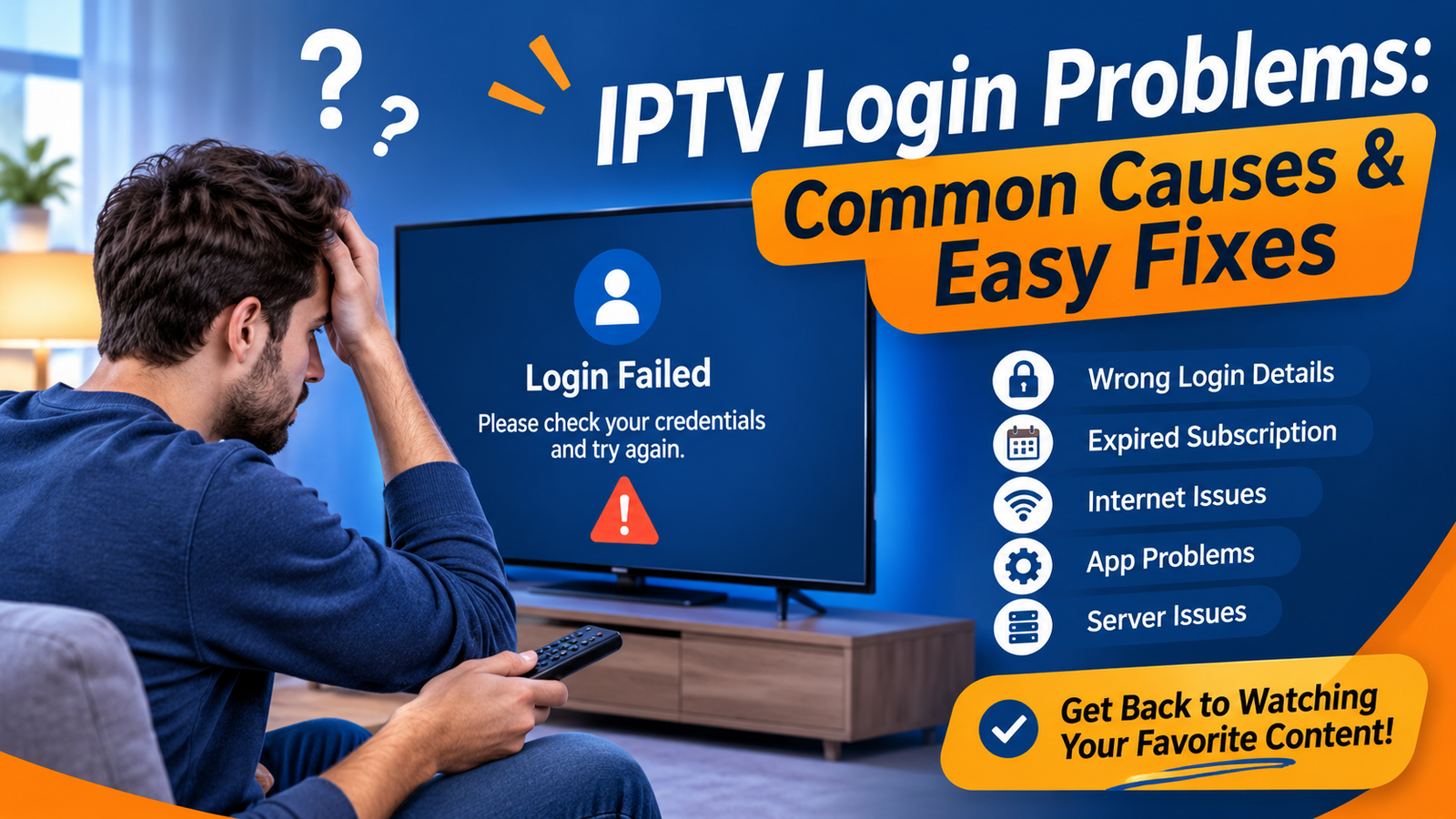
IPTV login problems can happen for several reasons, such as incorrect login details, expired subscriptions, internet connection issues, or app errors. The good news is that most login issues can be fixed with a few simple steps.
In this guide, we will explain the common reasons behind IPTV login issues and share practical solutions to help users access their accounts without unnecessary trouble.
Incorrect Username or Password
One of the most common reasons for IPTV login problems is entering the wrong username or password. A small typing mistake can prevent the app from connecting to your account.
Sometimes, users accidentally add extra spaces or enter incorrect characters when copying their login details.
How to fix it:
Check your username and password carefully.
Make sure there are no extra spaces.
Copy and paste your login details instead of typing them manually.
Check whether your password contains uppercase or lowercase letters.
Contact your provider if you have lost your login information.
Always keep your login details in a safe place so you can access them whenever needed.
Expired IPTV Subscription
An expired subscription can also cause IPTV account problems. When your subscription period ends, your login details may stop working or the service may become unavailable.
Some users forget their subscription expiry date and assume there is a technical problem.
How to fix it:
Check your subscription expiry date.
Contact your provider to confirm your account status.
Renew your subscription if it has expired.
Ask your provider to confirm when the service will be active again.
Keeping track of your subscription period can help you avoid unexpected access problems.
Poor Internet Connection
A stable internet connection is important for accessing IPTV services. Even when your username and password are correct, a weak or unstable connection may prevent the app from connecting to the service.
You may see a loading screen, connection timeout, or an IPTV login error.
How to fix it:
Check whether your internet is working properly.
Restart your Wi-Fi router.
Move your device closer to the router.
Disconnect other devices if your network is overloaded.
Try using another internet connection to check whether the problem continues.
A stable connection can make account access easier and improve your overall streaming experience.
IPTV App Problems
Sometimes, the problem is not related to your account. The IPTV application itself may have temporary errors, outdated software, or corrupted cache files.
These issues can cause IPTV login not working errors even when your account is active.
How to fix it:
Close the IPTV app completely.
Restart your device.
Check for available app updates.
Clear the app cache from your device settings.
Reinstall the application if the problem continues.
Before reinstalling an app, make sure you have saved your login details because you may need to enter them again.
Incorrect Server URL or Login Settings
Some IPTV services use a username, password, and server URL to connect users to their accounts. If the server address is incorrect, the application may fail to connect.
This can happen when users enter an old URL or accidentally change their account settings.
How to fix it:
Check the server URL provided by your service provider.
Make sure the address is entered correctly.
Remove any unnecessary spaces.
Confirm that you are using the correct login method.
Ask your provider to verify the server details.
Avoid using random server addresses from unknown websites because they may not be related to your subscription.
Too Many Devices Using the Same Account
Some IPTV subscriptions have limits on how many devices or connections can be used at the same time.
If you try to access the same account on several devices, you may experience IPTV login issues or connection errors.
How to fix it:
Check how many connections your subscription allows.
Log out from devices you are not currently using.
Close the IPTV app on other devices.
Contact your provider if you believe your connection limit is incorrect.
Understanding your subscription limits can help prevent unnecessary account access problems.
Temporary Server Issues
Sometimes, an IPTV service may experience temporary server problems. During maintenance or unexpected technical issues, users may find that their accounts are not connecting.
In this situation, changing your password or reinstalling the application may not solve the problem.
How to fix it:
Check your internet connection first.
Restart your IPTV application.
Contact your provider to ask about server status.
Wait for the technical issue to be resolved.
Try logging in again after some time.
If several users are experiencing the same problem, the issue may be related to the service rather than your device.
Device Compatibility Problems
Not every IPTV application works in the same way on every device. Older Smart TVs, Android devices, streaming boxes, and outdated operating systems may have compatibility problems.
These issues can sometimes prevent users from signing in successfully.
How to fix it:
Check whether your IPTV app supports your device.
Update your device software.
Install a compatible IPTV application.
Restart your device after updating.
Contact your provider for recommended app settings.
Using a compatible device and updated application can help reduce login difficulties.
Tips to Avoid IPTV Login Problems
Although some technical issues are unavoidable, a few simple habits can help reduce future login problems.
Here are some useful tips:
Always use the correct username and password.
Keep your subscription information updated.
Use a stable internet connection.
Avoid sharing your account with too many devices.
Keep your IPTV application updated.
Save your login details in a secure place.
Contact customer support when you notice repeated errors.
Following these steps can make account management easier and help you enjoy a smoother viewing experience.
Frequently Asked Questions
1. Why are my IPTV login details not working?
Your login details may be incorrect, your subscription may have expired, or there may be a temporary server issue. Check your account information and contact your provider if the problem continues.
2. Why is my IPTV login not working even with the correct password?
This may happen because of an unstable internet connection, incorrect server settings, app errors, or temporary service maintenance. Try restarting your device and checking your connection.
3. Can an expired subscription cause IPTV login issues?
Yes. An expired subscription can stop you from accessing your account. Contact your provider to confirm your subscription status and renewal options.
4. How do I fix an IPTV login error on my Smart TV?
Start by checking your internet connection and login details. Then restart your Smart TV, update the IPTV application, and verify your server settings.
5. Should I reinstall my IPTV app if I cannot log in?
Reinstalling the app can help if the problem is caused by corrupted app files or outdated software. However, check your login details and save them before removing the application.
Conclusion
IPTV login problems can happen because of incorrect account details, expired subscriptions, weak internet connections, outdated applications, or temporary server issues. Finding the actual cause is the first step toward fixing the problem.
Before making major changes, check your username, password, subscription status, and internet connection. If none of these steps work, contact your provider for further assistance.
Looking for a better way to manage your IPTV subscriptions?
Choose a reseller panel that makes customer management, subscription activation, and account handling easier. With StarShare IPTV Panel, you can explore reseller opportunities and manage your IPTV business with a simple approach.
Get started with StarShare IPTV Panel today and take the next step toward building your IPTV reseller business!